
Free AI smile preview
See your new smile before your first visit.
Take a selfie and see your finished, straightened smile, what you would look like in braces with your favorite band colors, or how nearly invisible clear aligners look on you.
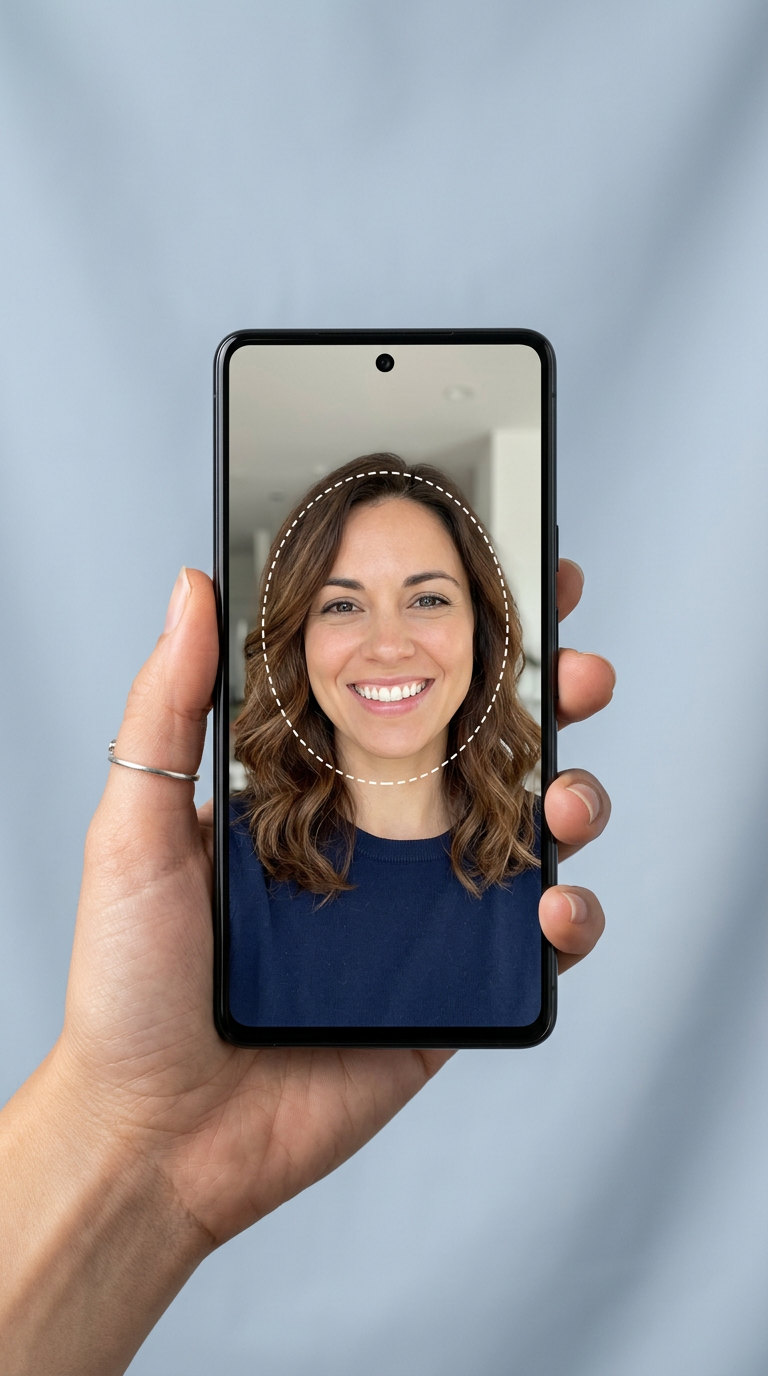
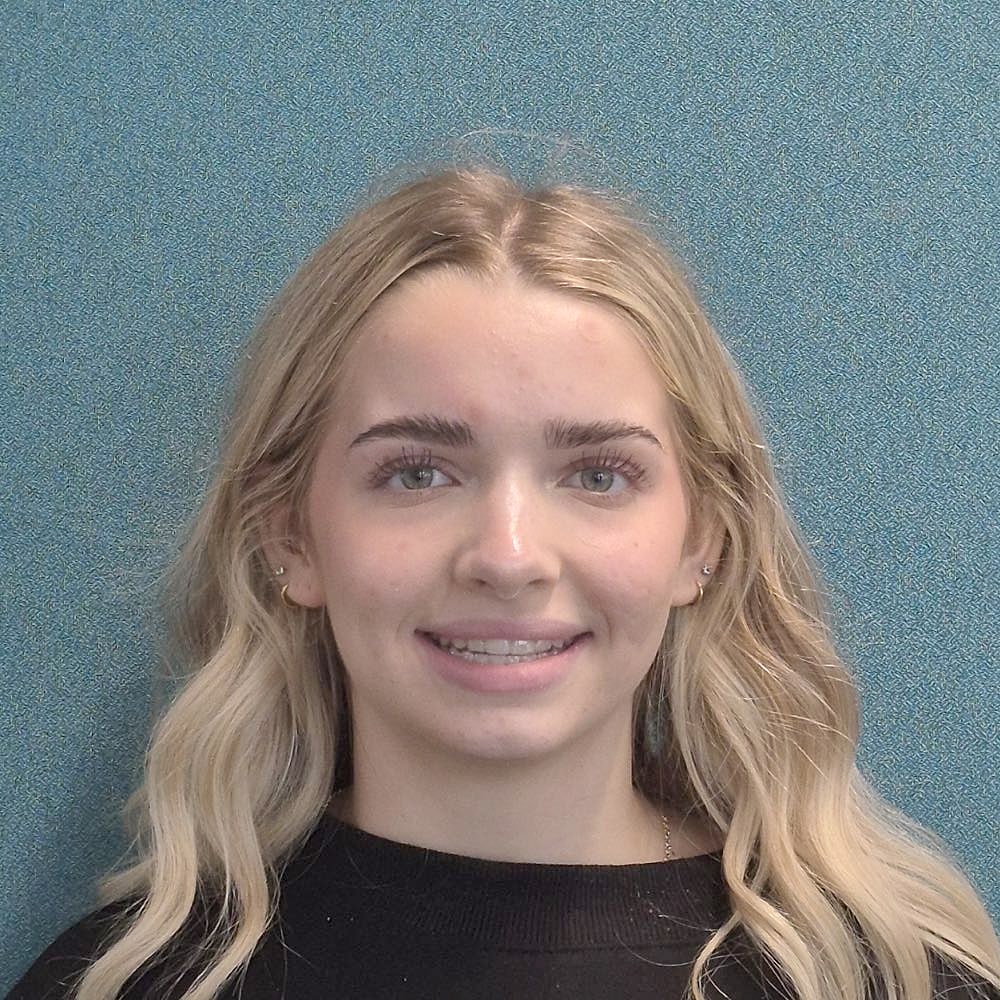
 Example selfie
Smile big. We'll do the rest.
Front-facing, good light and teeth showing. Line your face up inside the outline.
Step 1 of 3
Start with a smiling selfie
Your photo is only used to create this preview. It is never stored, and no account is needed.
The Smile Preview is an AI-generated simulation for educational purposes only. It is not a diagnosis or a guarantee of results.
How it works
From first look to forever smile.
- 1
Capture
Snap or upload a smiling, front-facing selfie from any phone or computer.
- 2
Preview
See your finished smile, try on braces in your favorite band colors, or picture clear aligners.
- 3
Make it real
Ask Harmony what it takes, then get a real plan at your free exam with Dr. Gaby or Dr. Hardin.
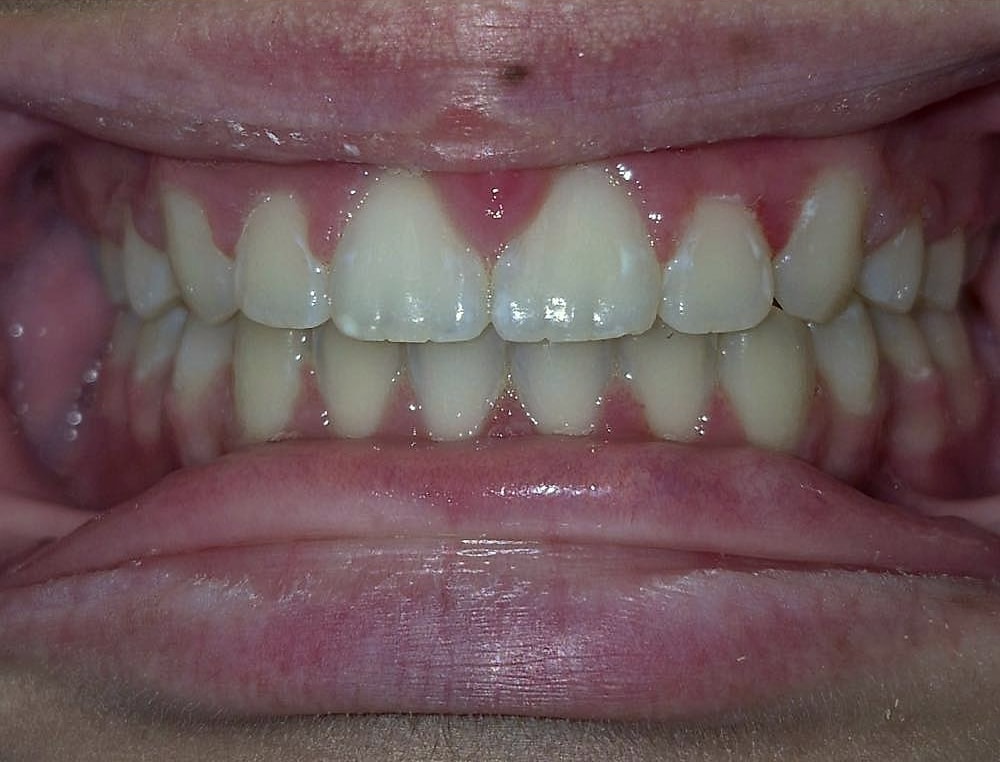
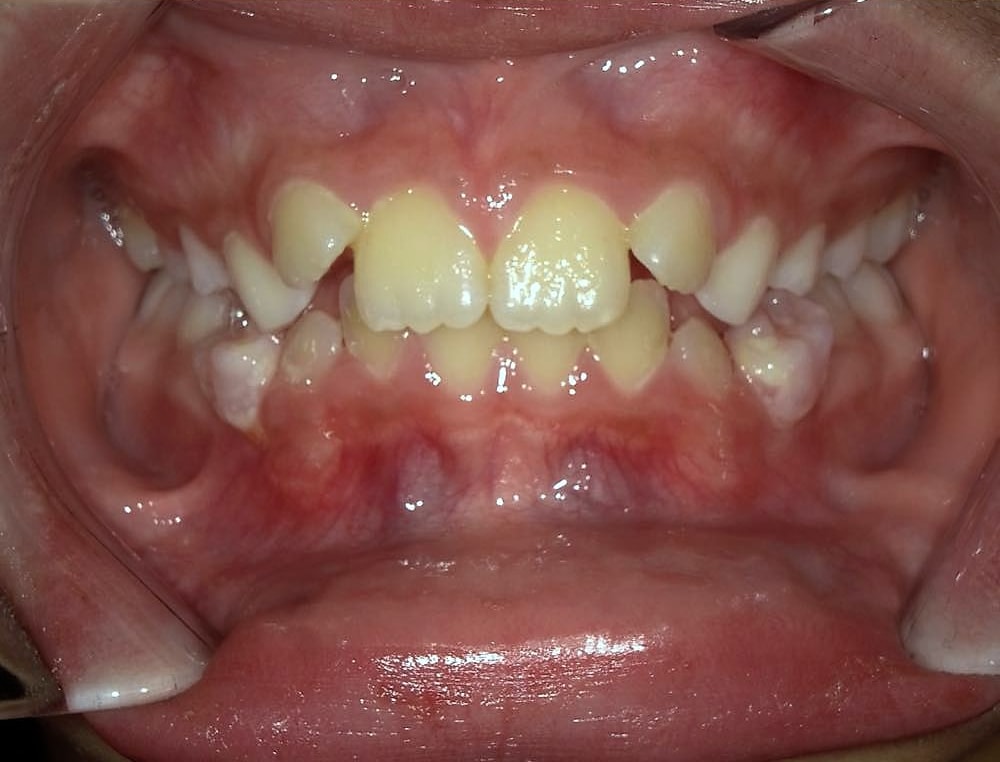
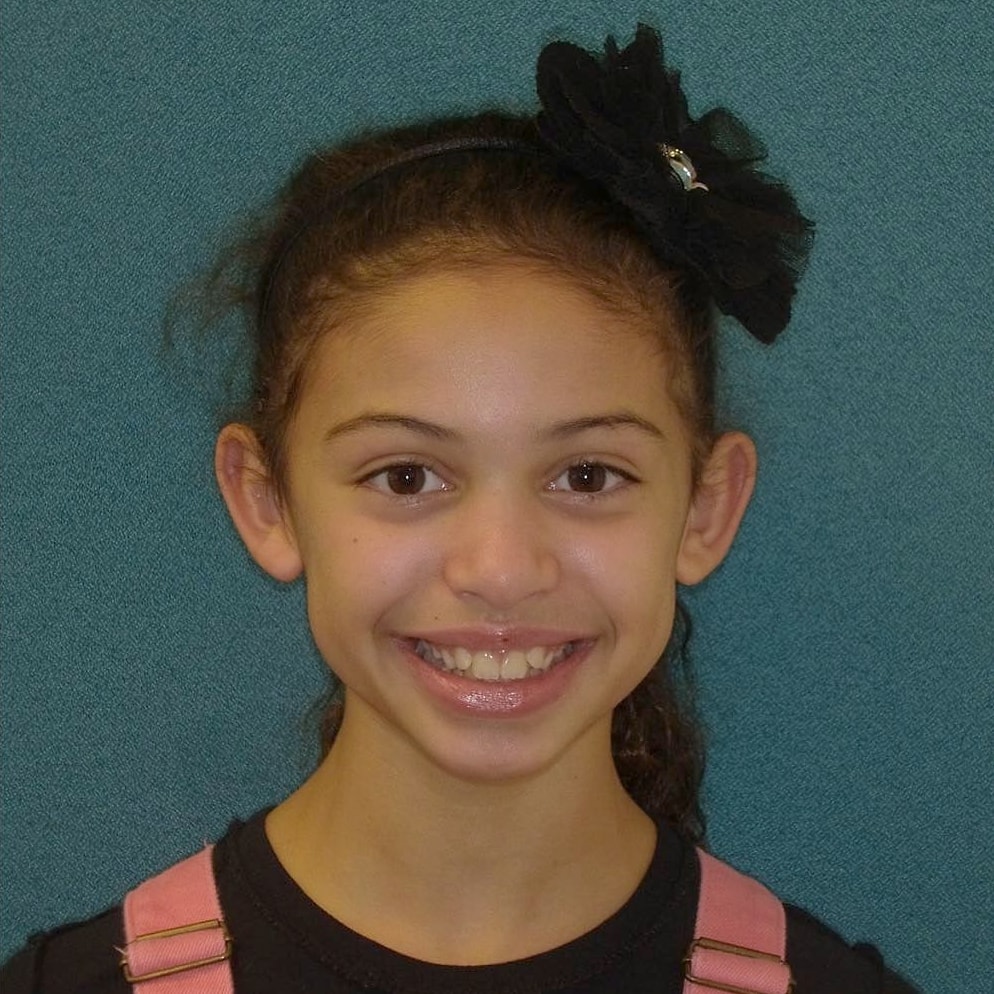
Not a preview. The real thing.
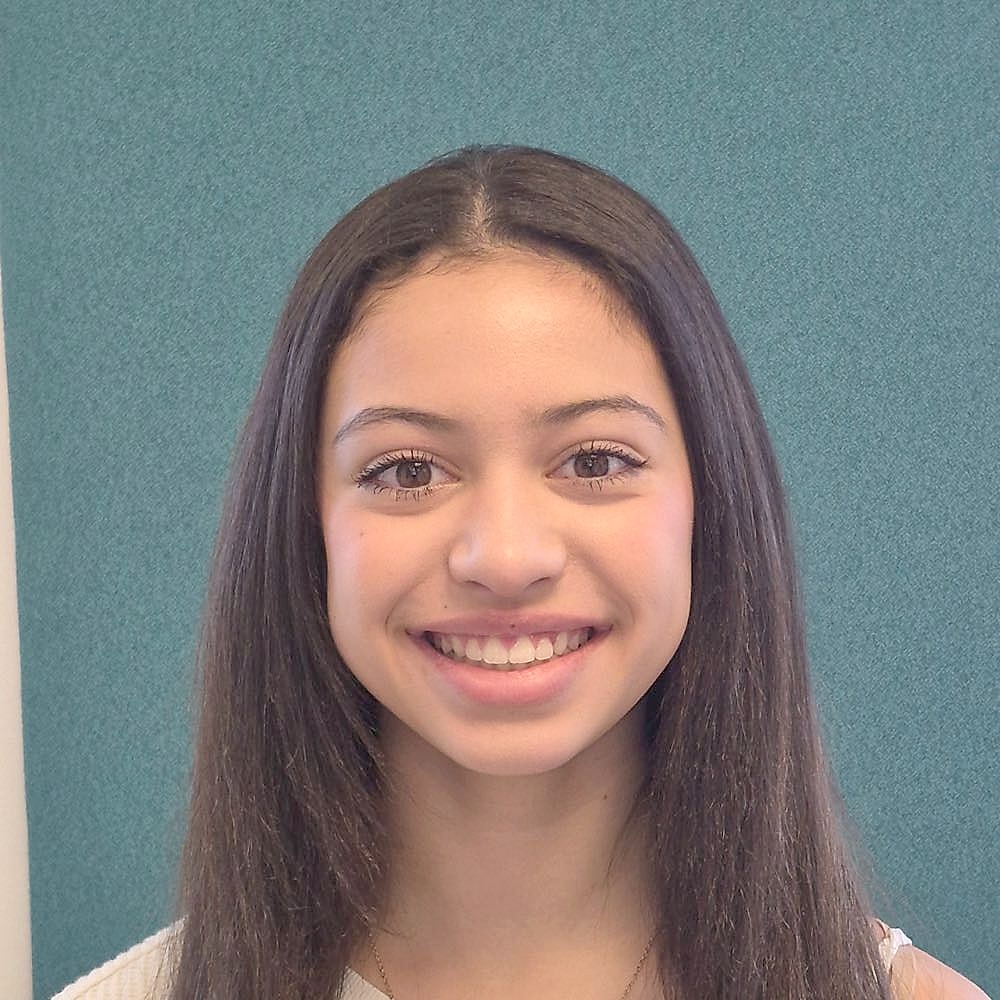
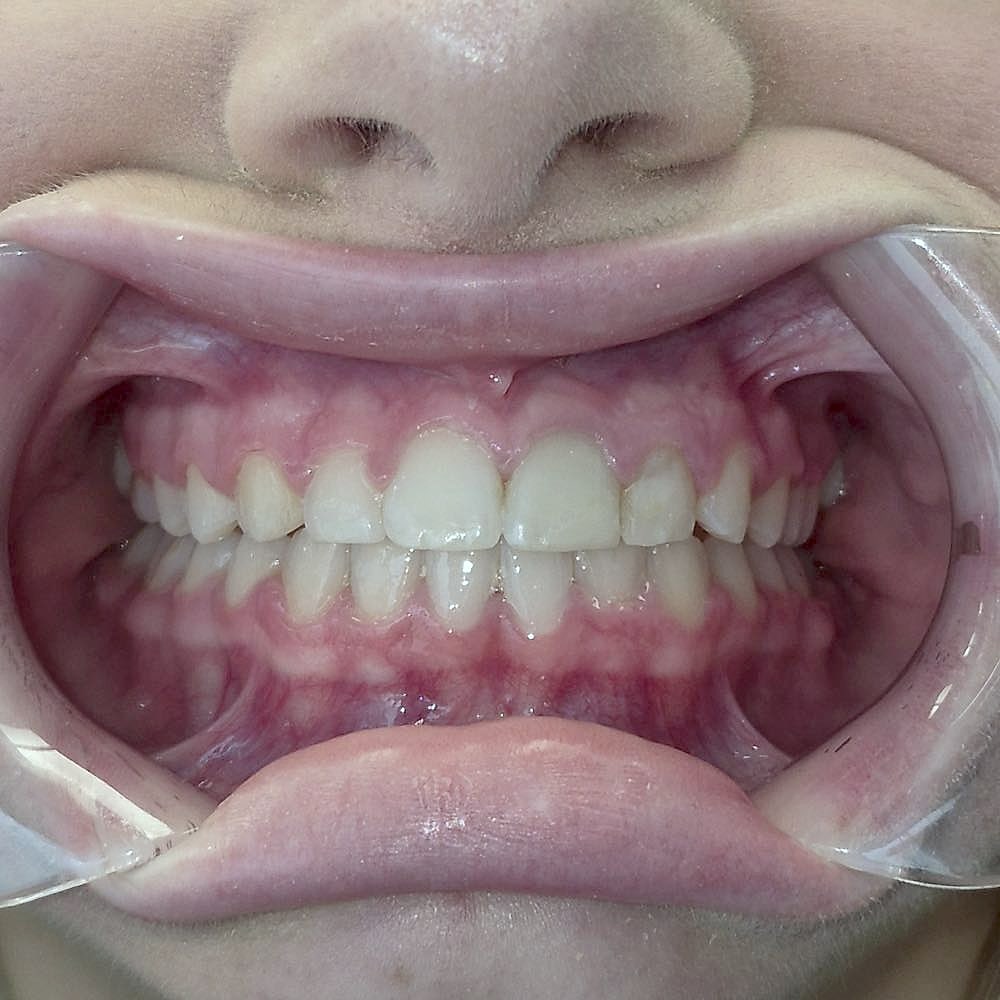
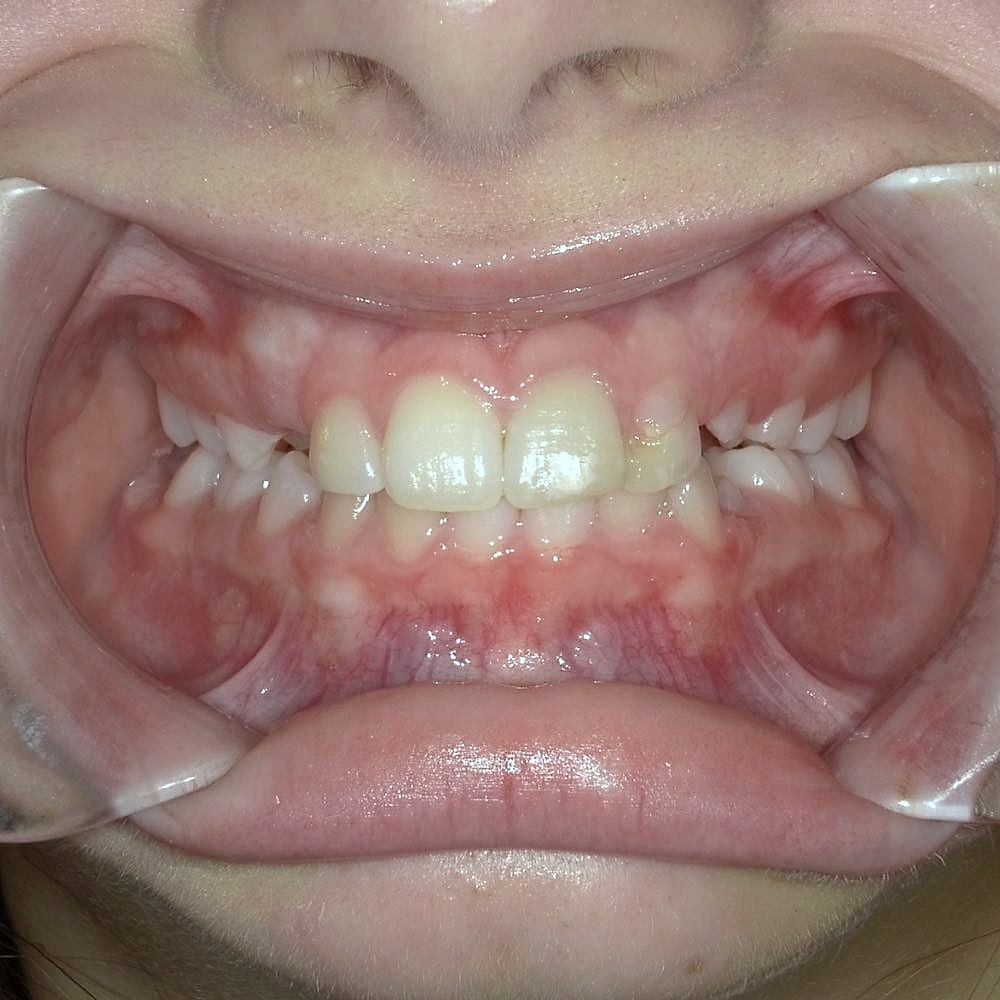
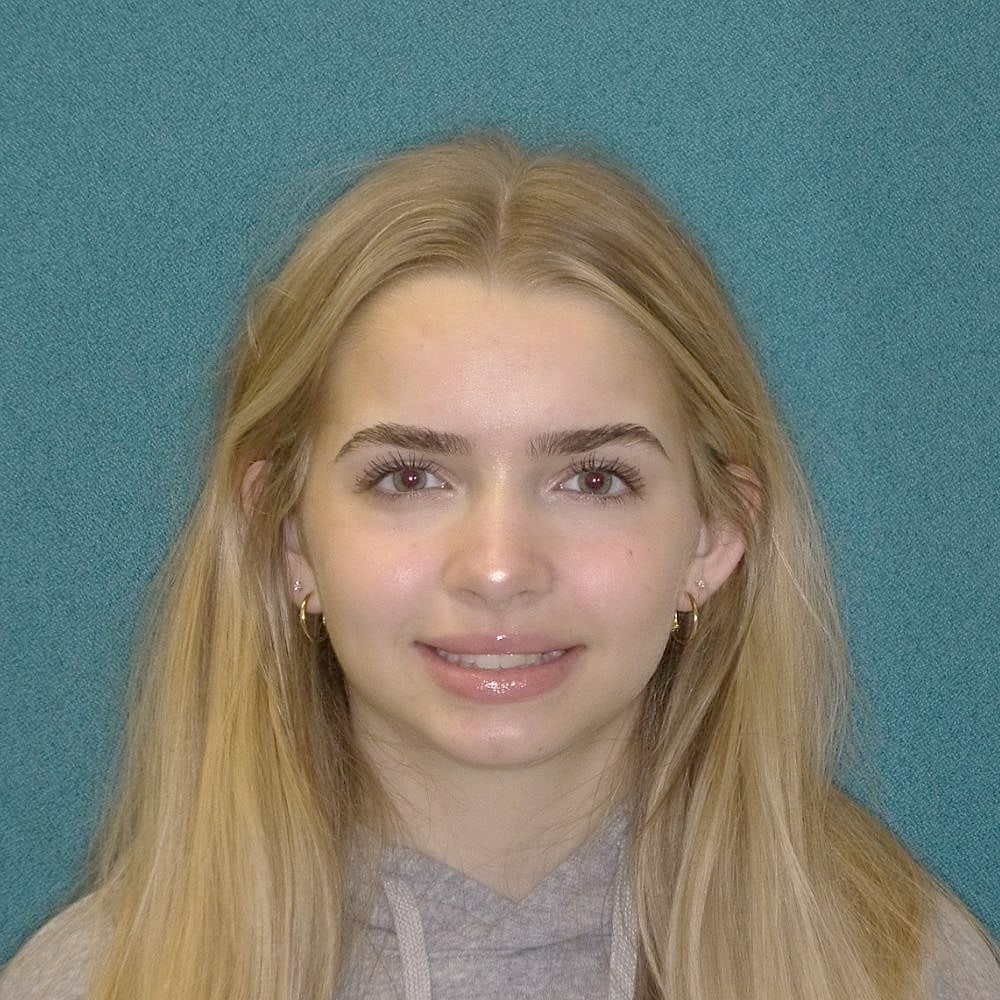
Real Harmony patients, real results.
FAQ
Smile Preview questions
Is the Smile Preview really free?
Yes. The Smile Preview is completely free, with no account and no obligation. When you are ready, your first exam at Harmony Orthodontics is free too.
Is my photo saved or shared?
No. Your photo is sent securely only to create your preview and is never stored on our servers or shared. Once you leave the page, it is gone.
What can the preview show me?
Three looks: your finished, straightened smile after treatment, what you would look like during treatment in metal braces, and what nearly invisible clear aligners look like on you.
Can I try different braces colors?
Yes. Pick one color, or two to alternate from tooth to tooth, then preview again. Many patients switch colors at each adjustment visit for holidays, school colors or just for fun.
Will my real result look exactly like the preview?
The preview is an AI simulation to help you picture the possibilities. Your actual result depends on your teeth, bite and treatment plan, which Dr. Gaby or Dr. Hardin will walk you through at your free exam.
What kind of photo works best?
A front-facing selfie in good, even light with a big smile that shows your teeth. Keep your face centered and avoid filters, sunglasses or anything covering your mouth.
Can I use it for my child or teen?
Absolutely. Many parents use the Smile Preview with their kids to pick braces colors and start the conversation. We recommend a first orthodontic check by age 7, and it is free.
Ask Harmony · Start your smile journey here
Saw a smile you love? Ask how to get there.
Ask Harmony can explain braces vs. Invisalign, popular band colors, timelines and cost options, and can even run a Smile Preview right in the chat.
Ask Harmony
Start your smile journey here
Hi there! Every great smile starts with a question. Ask me about Invisalign, braces, care for kids, our four offices or your free exam.
AI assistant for general information only, not medical advice. For urgent issues, call your office.
Ready to see what your smile could look like?
Your first exam is free — including a full evaluation and a clear plan, cost and timeline.